Top 10 Vercel Alternatives for 2026: Free, Scalable & Self-Hosted Options
Introduction
Vercel has long been the go-to platform for deploying Next.js and React applications, thanks to its simplicity and deep framework integration. But while Vercel makes deployment almost effortless, it isn’t always the perfect fit. Developers often look for alternatives due to pricing limits, regional availability, or the need for more control over infrastructure. Whether you want a free platform for a side project, a self-hosted solution, or a high-performance edge deployment, there are several compelling options in 2026.
In 2026, Vercel has evolved into an AI-first platform. While powerful, this has introduced complexity and costs that simple web apps don't need. Developers are moving away to avoid 'feature bloat' and strict vendor lock-in.
In this guide, we explore ten of the best Vercel alternatives, highlighting their features, pricing, pros and cons, and ideal use cases. This article is fully up-to-date for 2026, giving you all the information you need to pick the best deployment platform for your project.
Why Look Beyond Vercel?
Even though Vercel is powerful, it has limitations that might push developers to consider alternatives. Common reasons include:
Pricing limitations: Free tiers can be restrictive, especially for teams scaling apps or using serverless functions heavily.
Self-hosting and control: Some developers prefer running their own infrastructure for customization and security.
Edge performance needs: Global, low-latency deployments may require platforms optimized for edge computing.
Feature gaps: Vercel’s offering is focused on serverless deployments; you may need managed databases, cron jobs, or Docker support.
Understanding your project requirements is the first step before evaluating alternatives.
1. Netlify — JAMstack powerhouse
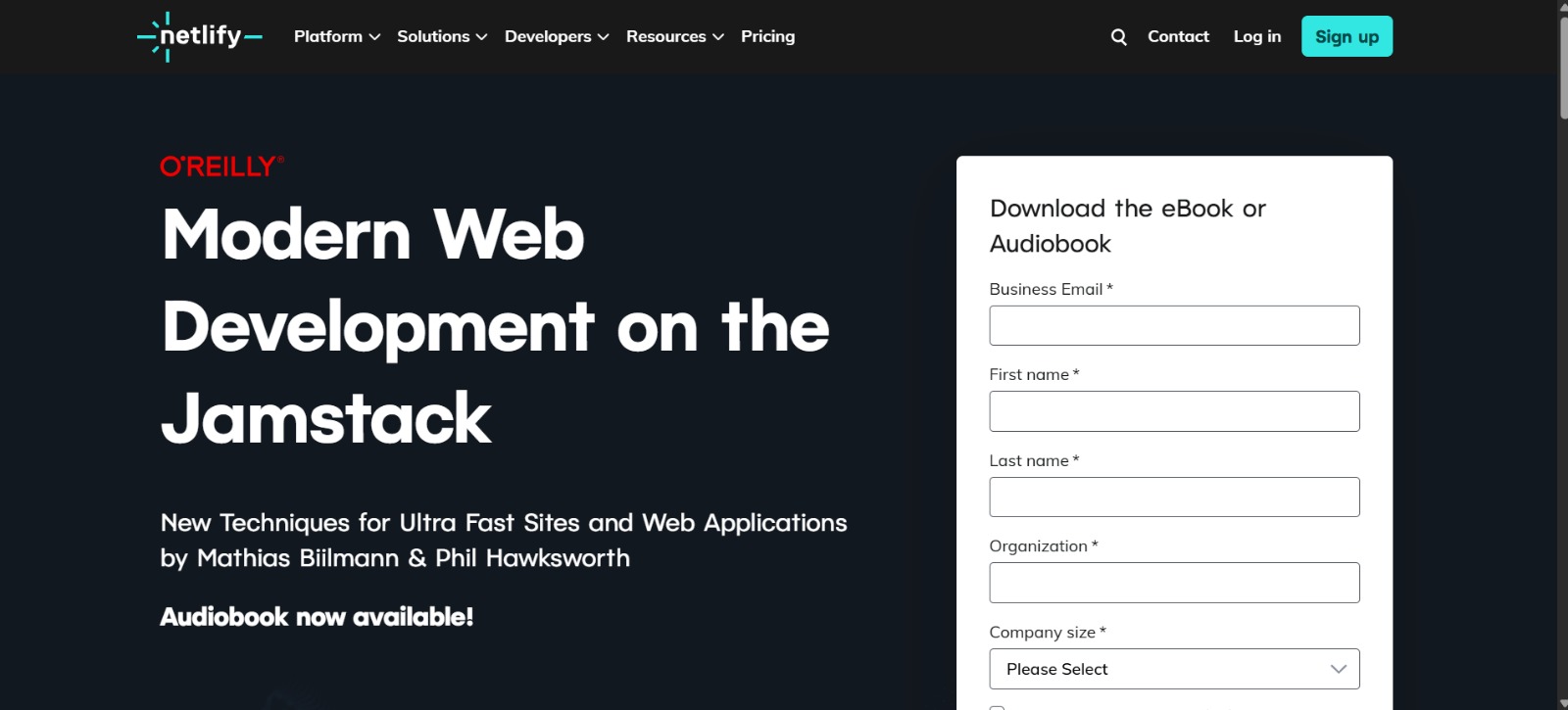 Netlify remains one of the most popular Vercel alternatives, especially for static sites and JAMstack applications. It supports Git-based deployments, automated previews, serverless functions, and a plugin ecosystem that enhances functionality.
Netlify’s free tier provides generous build limits and serverless execution credits, and paid plans start at $19/month. Its simplicity and strong community support make it ideal for personal projects, portfolios, and small business websites.
Pros: Beginner-friendly, fast deployments, strong CI/CD integration
Cons: Limited build minutes on free plans
Best for: Static and SSR apps needing easy preview deployments
2. Render — full-stack hosting made simple
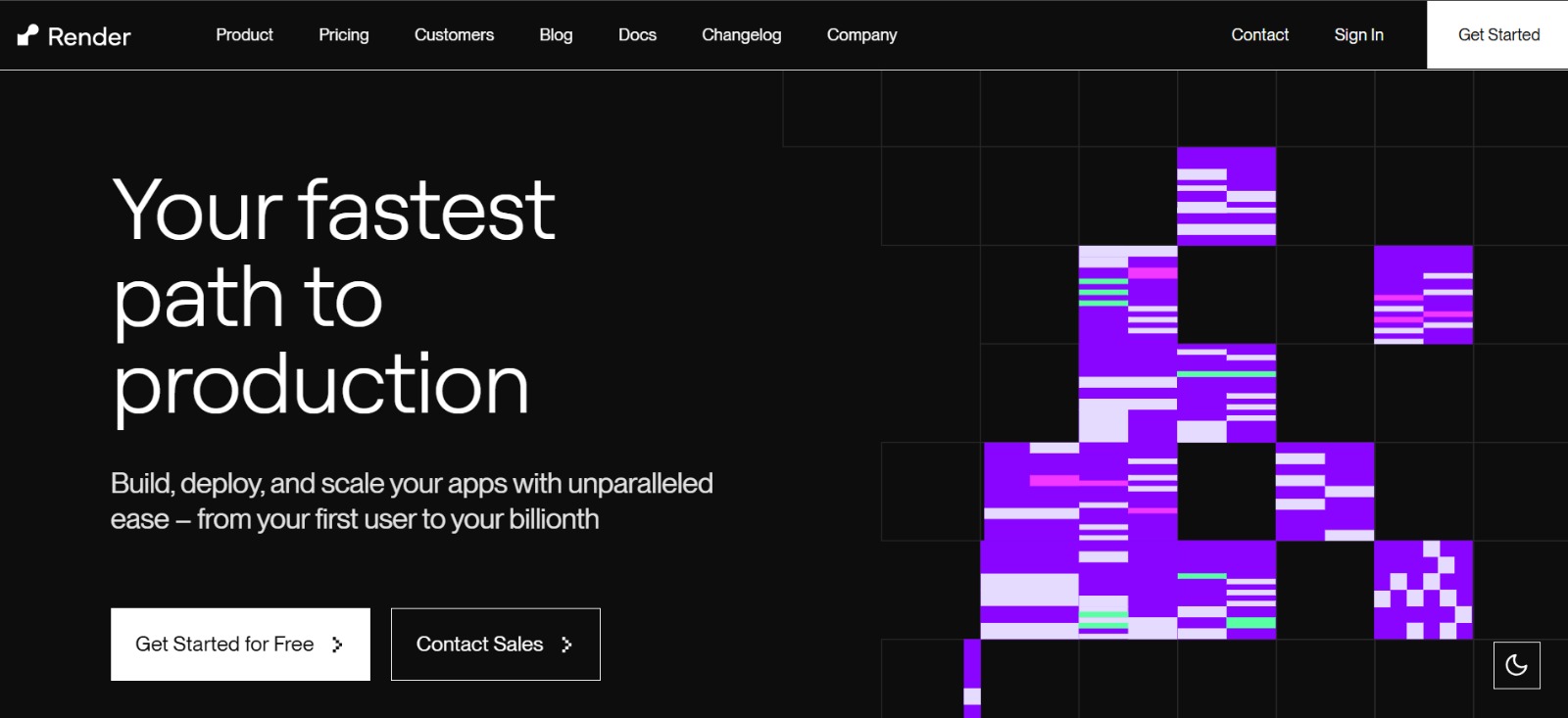 Render offers a unified platform for deploying static sites, web services, background workers, and databases. Its free plan includes enough compute hours for small apps or prototypes, while paid tiers start from $7 per month. Render shines for developers who want full-stack deployment without managing infrastructure.
Pros: Full-stack support, automatic deploys, managed services
Cons: Slightly steeper learning curve for beginners
Best for: Hobby projects, prototypes, and small businesses
3. Fly.io — edge-first performance
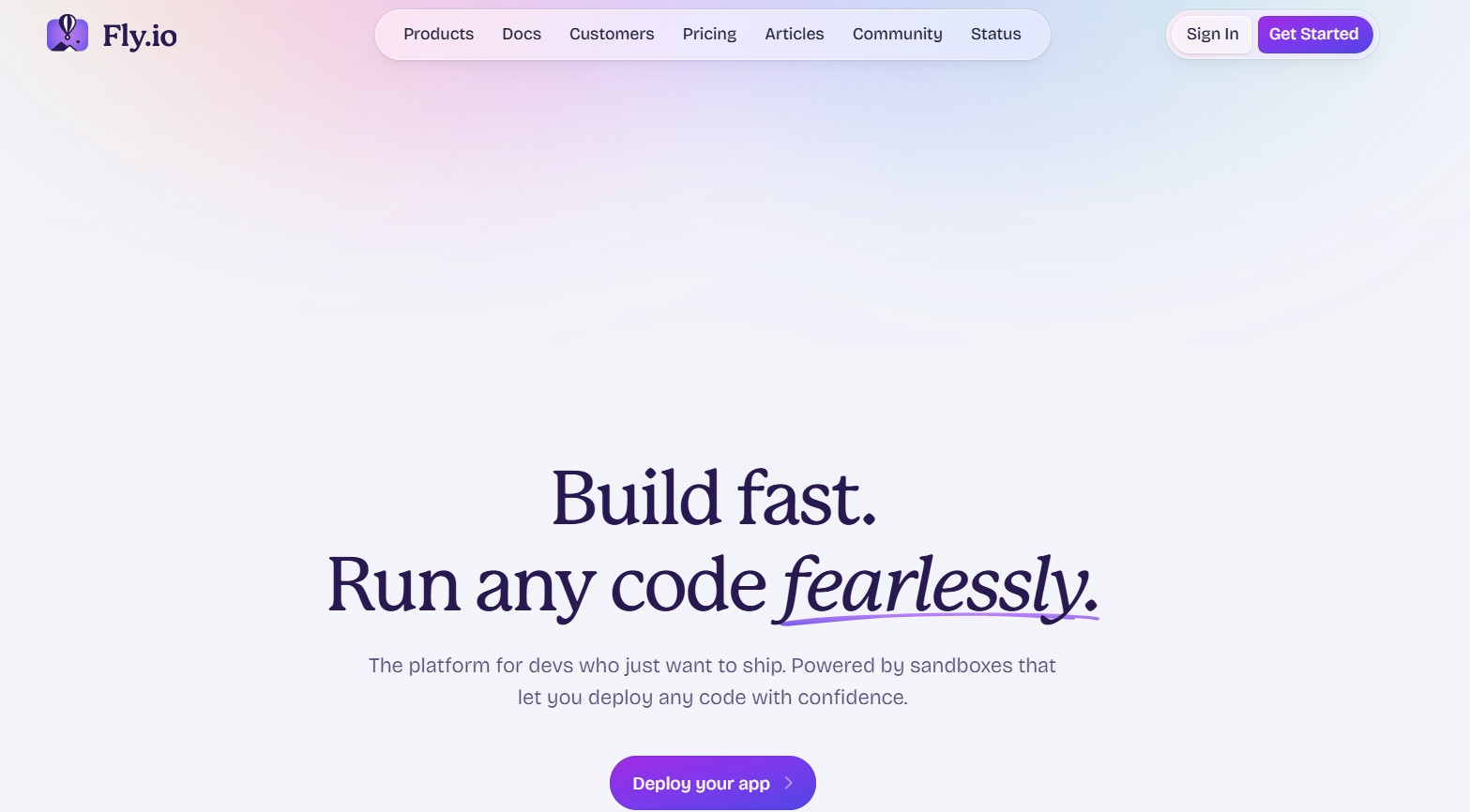 Fly.io specializes in deploying apps close to your users, offering ultra-low latency globally. It supports Dockerized apps and provides flexible compute instances. The free plan gives limited credits, while paid plans scale with CPU and RAM usage.
Pros: Edge-first deployment, globally distributed, fast performance
Cons: Requires Docker knowledge and some ops understanding
Best for: Latency-sensitive apps and global users
4. Railway — fast prototyping and deployment
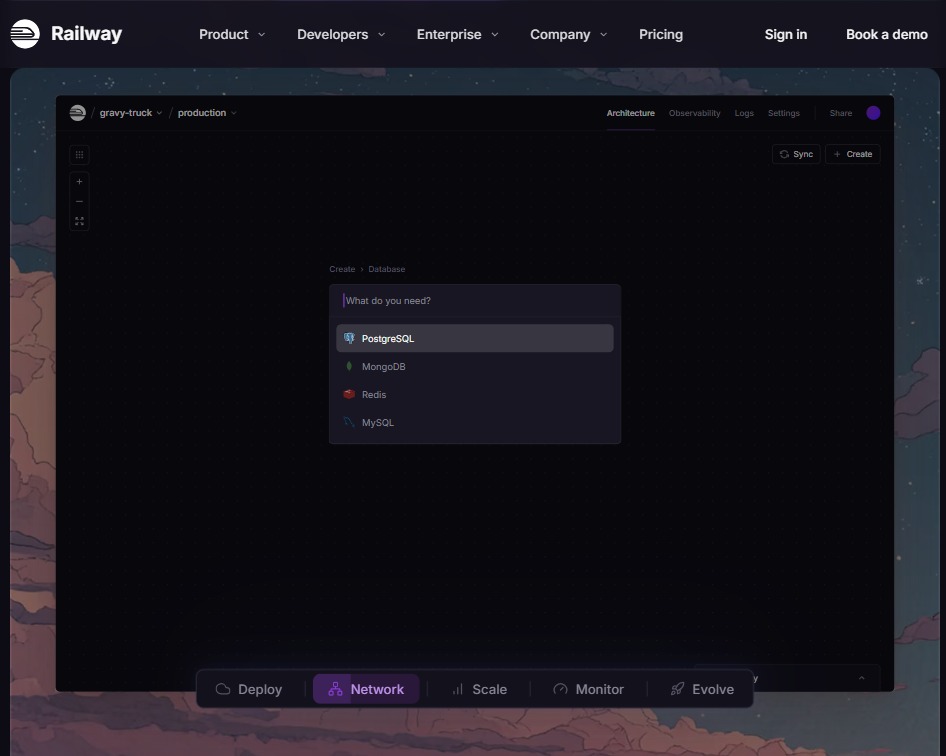 Railway is designed for speed and simplicity. It allows instant provisioning of databases and cloud services and supports functions similar to serverless workflows. The free tier is suitable for personal projects or early-stage applications, with paid tiers starting at $5 per month.
Pros: Quick setup, automatic provisioning, easy to use
Cons: Free tier resources are limited
Best for: Hackathons, prototypes, and early-stage projects
5. Cloudflare Pages & Workers — static sites at edge speed
Cloudflare Pages, combined with Workers for edge functions, delivers blazing-fast static and JAMstack apps globally. Free plans cover most use cases, though function execution limits apply. Its global CDN makes it ideal for static sites or content-heavy projects needing maximum performance.
Pros: Ultra-fast global CDN, free tier is generous
Cons: Edge functions have limitations, slightly more setup
Best for: Static websites, JAMstack apps with performance focus
6. DigitalOcean App Platform — simple scaling and predictable pricing
DigitalOcean’s App Platform allows you to deploy apps with minimal configuration. It offers managed scaling, Docker support, and integration with databases. Starter plans begin at $5 per month, making it suitable for small projects and SMBs.
Pros: Reliable, easy scaling, predictable pricing
Cons: Costs rise for larger apps
Best for: Small businesses and scalable production apps
7. Coolify / Dokploy / Dokku — The Self-Hosted ‘Vercel’ Clones
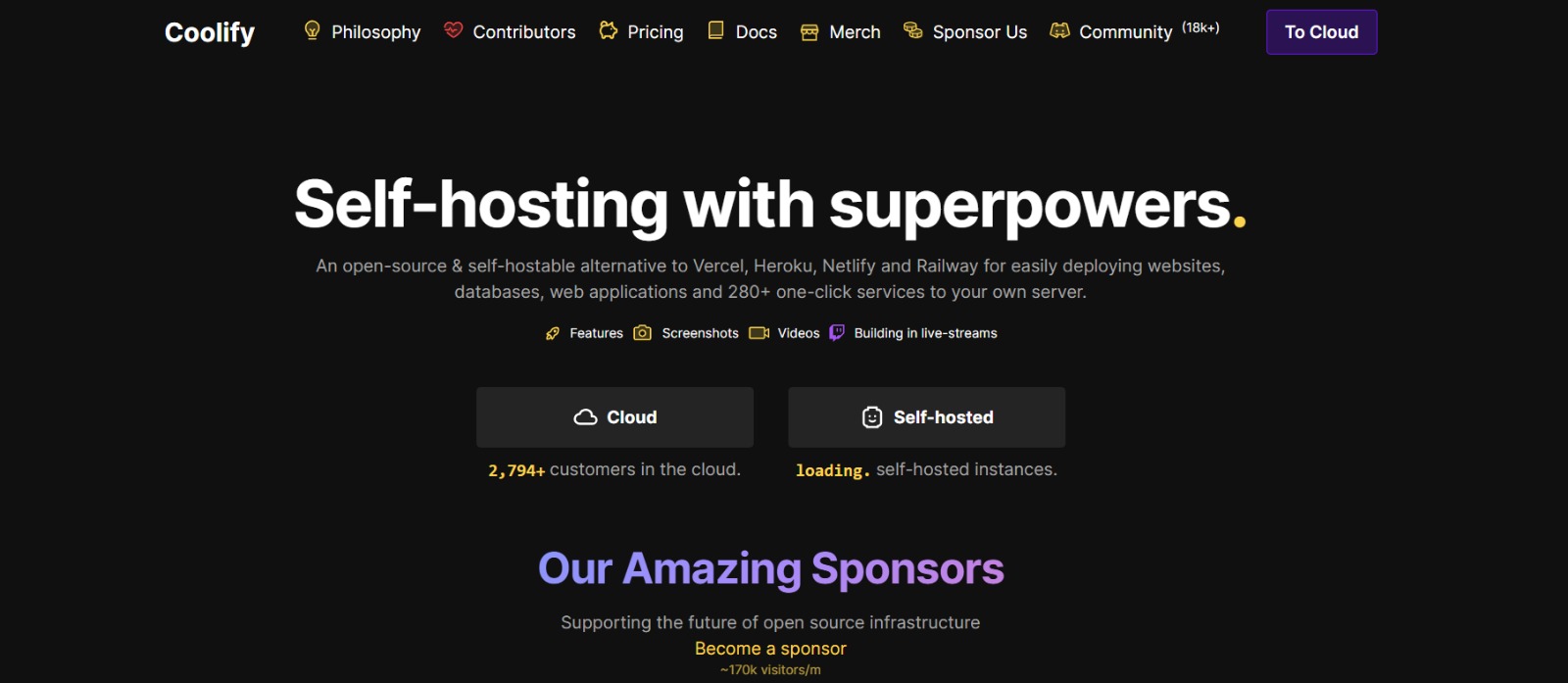 In 2026, the self-hosted ecosystem has matured enough to be a genuine threat to paid PaaS providers. If you have a spare VPS (e.g., Hetzner, DigitalOcean) and want to avoid Vercel's "per-seat" or "bandwidth" pricing, these three tools are the gold standard. They let you own your infrastructure while keeping the "git push" convenience.
Coolify (The "Open Source Vercel"): Currently the most popular alternative, Coolify offers a UI that feels incredibly similar to Vercel or Netlify. It supports "push-to-deploy" for Next.js, Svelte, and Vue, and includes a massive marketplace of one-click services (PostgreSQL, Redis, Supabase, etc.).
- Best for: Developers who want the Vercel experience (visual dashboard, easy configuration) but want to pay $5/mo for a VPS instead of $20/seat.
Dokploy (The Lightweight Contender): If Coolify feels too heavy, Dokploy is the efficient alternative. It is designed to be stable and lightweight, consuming significantly less idle CPU and RAM than Coolify. It shines if you rely heavily on
docker-composefiles and want a no-nonsense dashboard without the visual bells and whistles.- Best for: Performance purists running on smaller servers (e.g., 1GB RAM VPS) who still want a graphical interface.
Dokku (The CLI Legend): The original "Heroku-in-a-box." Dokku has no native UI; it is entirely command-line driven. You set it up once, and then you just run
git push dokku main. It is rock-solid, incredibly resource-efficient, and scriptable.- Best for: Solo developers and DevOps engineers who prefer the terminal over a dashboard and want maximum stability.
Summary:
Want a UI? Choose Coolify (Features) or Dokploy (Efficiency).
Want CLI? Choose Dokku.
8. AWS Amplify — enterprise-grade cloud integration
AWS Amplify bundles hosting, authentication, serverless functions, and analytics in one platform. While highly scalable and integrated into the AWS ecosystem, billing is usage-based and can be complex. Amplify is ideal for teams already using AWS services.
Pros: Enterprise-ready, scalable, full AWS integration
Cons: Steep learning curve, complex billing
Best for: Enterprise apps or teams in AWS ecosystem
9. Azure Static Web Apps — Microsoft ecosystem friendly
Azure Static Web Apps pairs automated CI/CD from GitHub with Azure Functions for backend APIs. Its free tier is generous, and the platform is well-suited for developers invested in Microsoft’s ecosystem.
Pros: Easy GitHub integration, Microsoft ecosystem support
Cons: Limited community resources compared to Netlify or Render
Best for: Microsoft stack developers and enterprise teams
10. Firebase Hosting — mobile-first and secure
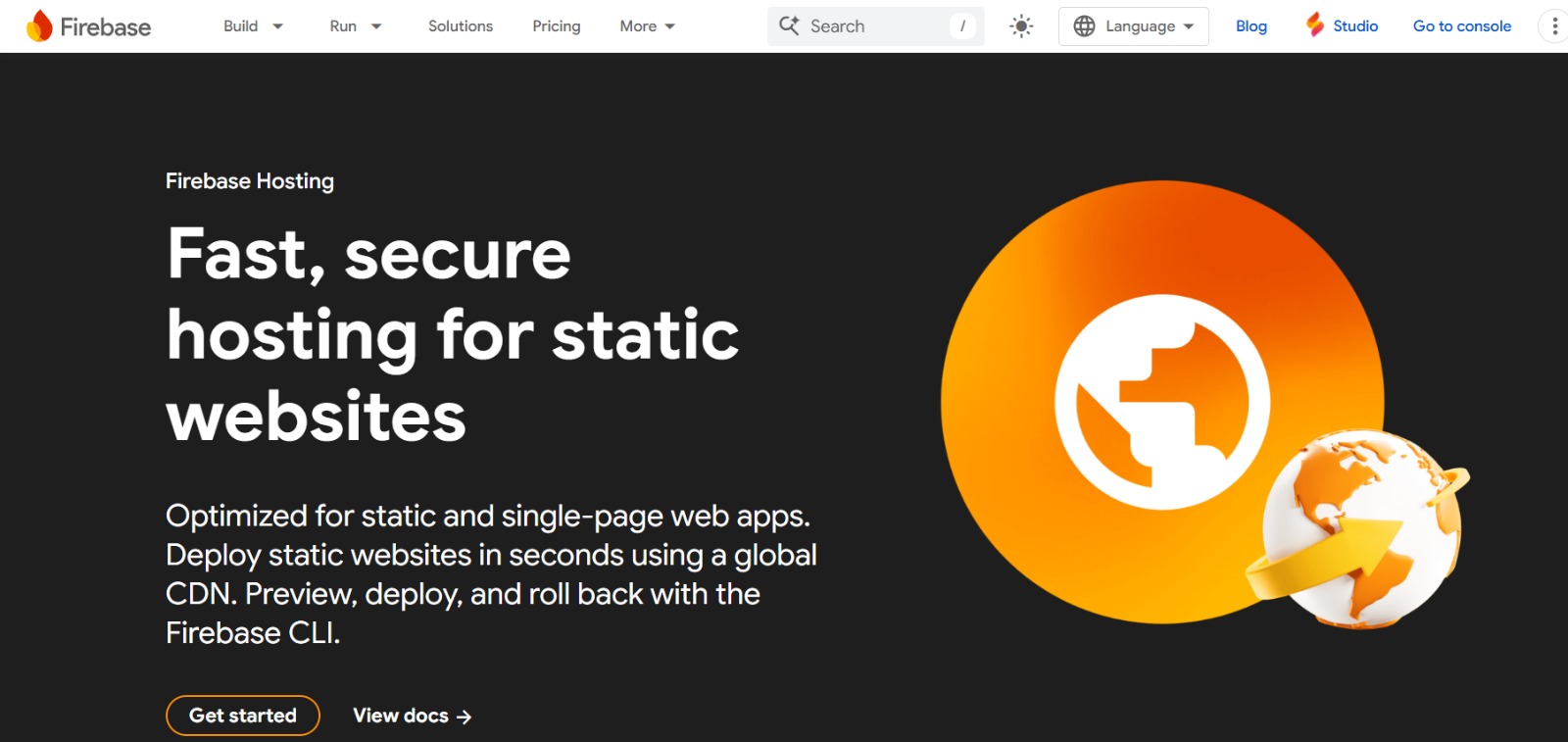 Firebase Hosting offers fast, secure static hosting along with Cloud Functions for dynamic content. Its free Spark plan is sufficient for small apps, while the Blaze pay-as-you-go plan scales with usage. Firebase is especially useful if your project relies on other Firebase services like Firestore or authentication.
Pros: Tight integration with Google services, easy hosting
Cons: Limited serverless features for large-scale apps
Best for: Frontend and mobile-first applications
Quick Comparison
| Platform | Free Tier | Paid Starts | Serverless | Best For |
|---|---|---|---|---|
| Netlify | Yes | $19/month | ✅ | JAMstack sites & preview deployments |
| Render | Yes | $7/month | ✅ | Full-stack apps (Node, Python, Go) |
| Fly.io | Usage-based | Pay-as-you-go | ✅ | Global edge performance |
| Railway | Trial credits | $5/month | ✅ | Quick prototyping & databases |
| Cloudflare Pages | Generous | $20/month | ✅ | Static sites & edge logic |
| Coolify / Dokku | Free (open-source) | VPS cost only | ✅ | Total control with self-hosting |
| AWS Amplify | 12-month free tier | Usage-based | ✅ | AWS ecosystem & enterprise apps |
| Firebase Hosting | Spark plan | Pay-as-you-go | ✅ | Mobile & real-time applications |
Recommendations
Best free alternative: Netlify or Cloudflare Pages
Best for full-stack apps with managed databases: Render or Railway
Best edge/low-latency option: Fly.io or Cloudflare Workers
Best enterprise/cloud integration: AWS Amplify or Azure Static Web Apps
Best self-hosted solution: Dokku / Dokploy
FAQ
What is the best free alternative to Vercel in 2026?
Cloudflare Pages and Netlify are the top free choices. Cloudflare Pages is the overall winner for 2026 due to its unlimited bandwidth and generous "always-free" edge functions. If you need a free tier for a dynamic full-stack app (including a database), Render or Railway (via trial credits) are the preferred options.
Can I self-host a Vercel-like experience?
Yes. Coolify is currently the best self-hosted alternative, offering a visual dashboard and "push-to-deploy" functionality that mimics Vercel. Dokploy is a lighter alternative for smaller servers, while Dokku remains the gold standard for developers who prefer a CLI-based, Heroku-style workflow on their own hardware.
Which alternative is best for Next.js applications?
While Vercel is the home of Next.js, Netlify and SST (on AWS) offer the most robust support for Next.js features like ISR (Incremental Static Regeneration) and Middleware. OpenNext has also made it easier to deploy Next.js to almost any provider without losing framework features.
How do Vercel alternatives compare in pricing?
Most alternatives solve the "Vercel Pricing" problem in different ways:
Predictable: DigitalOcean and Render (Fixed monthly costs).
Usage-based: Fly.io and AWS Amplify (Pay only for what you use).
Flat-rate: Cloudflare ($20/mo for massive scale).
Lowest Cost: Self-hosting with Coolify (Only pay for your VPS).
Is there a Vercel alternative that supports Docker?
Yes. Unlike Vercel, which is strictly serverless, Render, Railway, and Fly.io allow you to deploy standard Docker containers. This makes them better choices for legacy apps or complex backends that require specific environments.