Bootstrap vs. Tailwind CSS: Which Should You Pick in 2025?
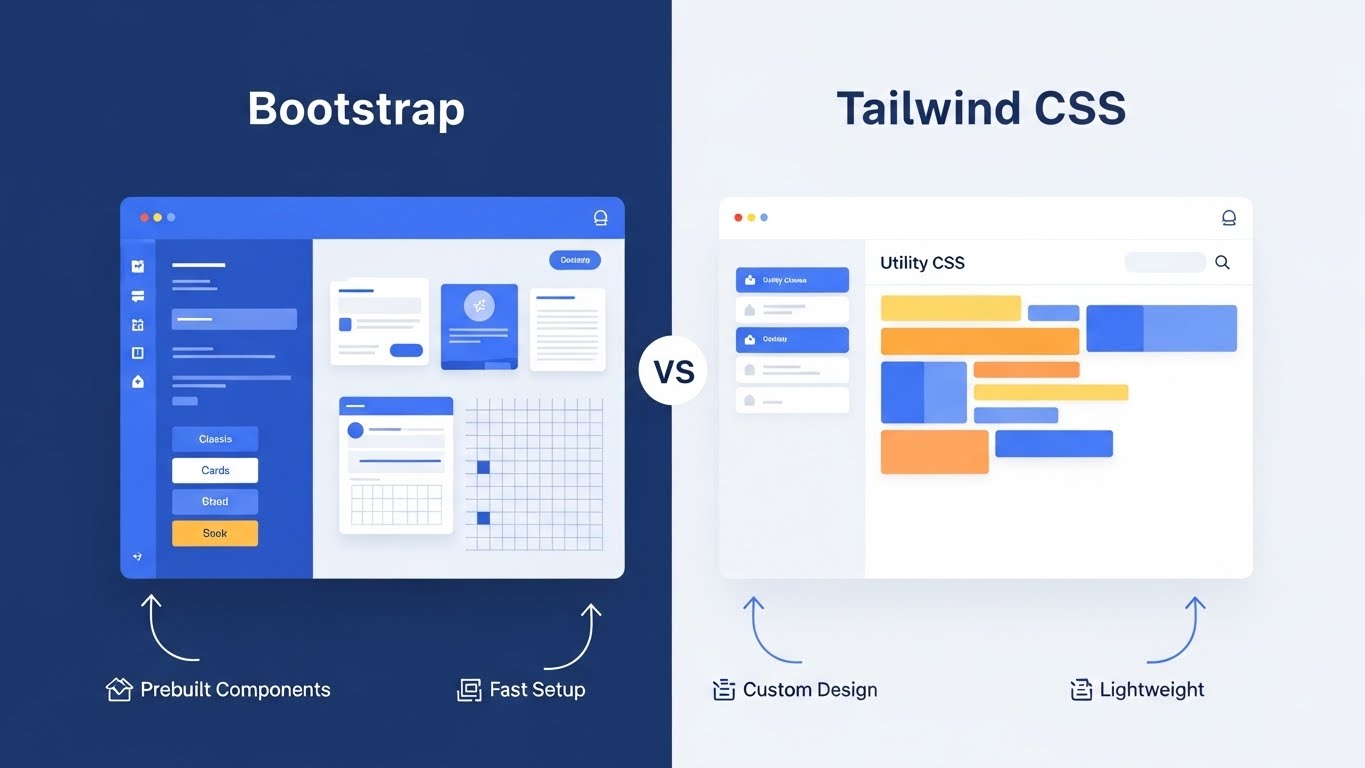
Choosing a CSS framework is arguably one of the most consequential technical decisions a frontend lead or solo developer makes. It is more than just a design decision—it shapes how your team writes markup, how fast your pages ship, how you onboard new hires, and how easy (or painful) it is to maintain a product three years down the road.
As we move into 2026, the landscape of web development has crystallized around two dominant philosophies. Bootstrap and Tailwind CSS represent the two most popular paths, but they sit on opposite ends of the spectrum.
Bootstrap: The champion of "Convention over Configuration." It gives you ready-made components and a fast path to a consistent UI.
Tailwind CSS: The champion of "Utility-First." It hands you a massive toolkit of tiny atomic classes to compose any design you can imagine, pixel by pixel.
Below, I will walk you through what each framework feels like to use, when one makes more sense than the other, how they compare for performance and maintainability, and—importantly—how their communities and ecosystems influence the decision.
Who Should Read This?
Before we dive into the technical nuances, let’s ensure this guide is right for you.
Who this guide is for:
Frontend Developers deciding on the tech stack for a new application.
Startup Founders & CTOs who need to balance development speed against long-term scalability.
UI/UX Designers who want to understand how their designs will be translated into code.
Agencies looking to standardize their workflow for 2025 and beyond.
If you are looking for a surface-level overview, this might be too deep. But if you want a comprehensive breakdown to justify your decision to a team or client, you are in the right place.
What Bootstrap Gives You (The Component Model)
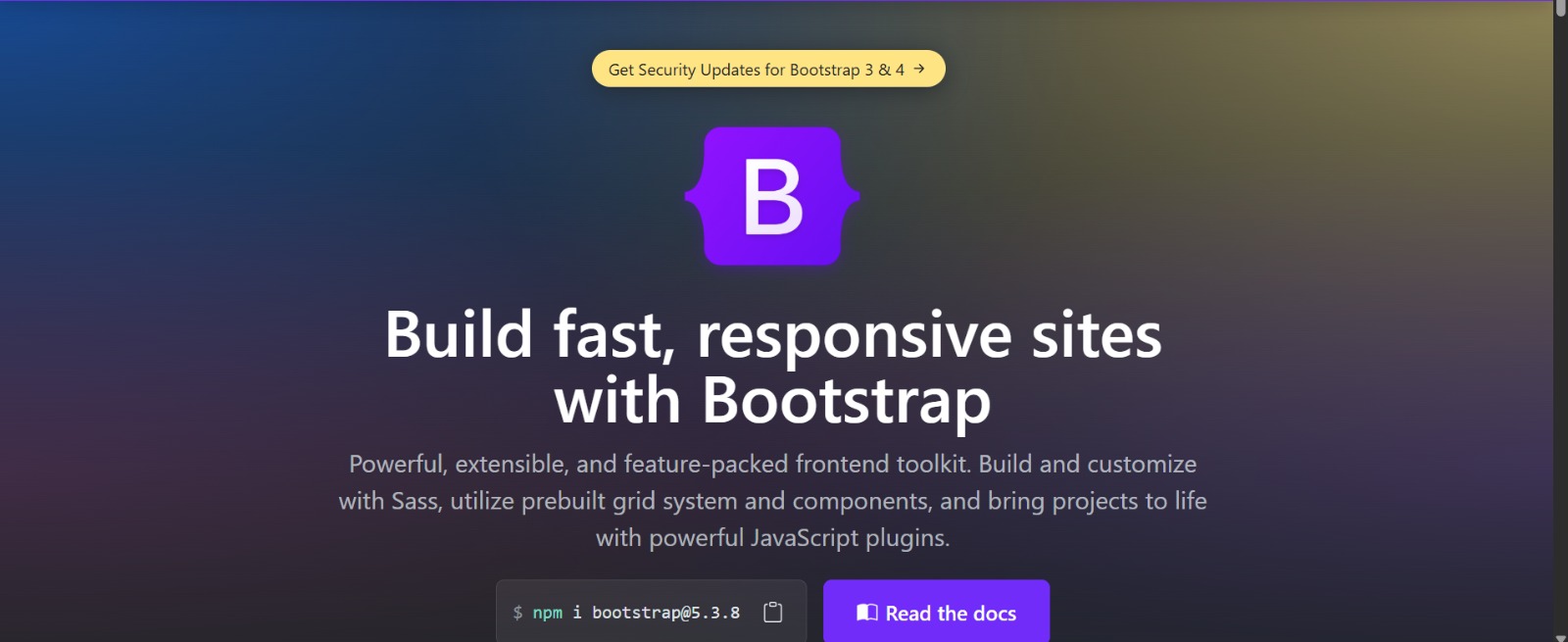 Bootstrap is opinionated in the best possible way when your primary goal is speed. When you choose Bootstrap, you aren't just choosing a CSS library; you are choosing a pre-built design system.
By including a stylesheet and a JavaScript bundle, you immediately gain access to a comprehensive suite of polished components: complex navbars, interactive modals, alerts, accordions, and a grid system that has defined the mental model of web layout for a decade.
The "Bootstrap Feel"
For teams who value conventions over custom design—think internal dashboards, admin panels, B2B tools, or MVPs where functionality trumps aesthetics—Bootstrap is a productivity powerhouse. It reduces decision fatigue. You don't have to debate the padding of a button or the border-radius of an input field; Bootstrap has already decided for you.
The Trade-offs of Convenience
However, that convenience comes at a cost.
The "Generic" Look: Because millions of sites rely on Bootstrap’s defaults, websites can end up looking remarkably similar. You can spot a Bootstrap site from a mile away by its font sizes, button styles, and grid padding.
Override Hell: Deep customization is possible, but it often leads to a messy stylesheet where you are writing CSS specifically to undo what Bootstrap applied. You end up with specificities wars (
!important) to force the framework to bend to your will.JQuery Legacy: While Bootstrap 5 dropped jQuery dependency (a huge leap forward), its JavaScript components still dictate how your DOM should look, which can sometimes conflict with modern reactive frameworks like React or Vue if not managed carefully.
What Tailwind Gives You (The Utility Model)
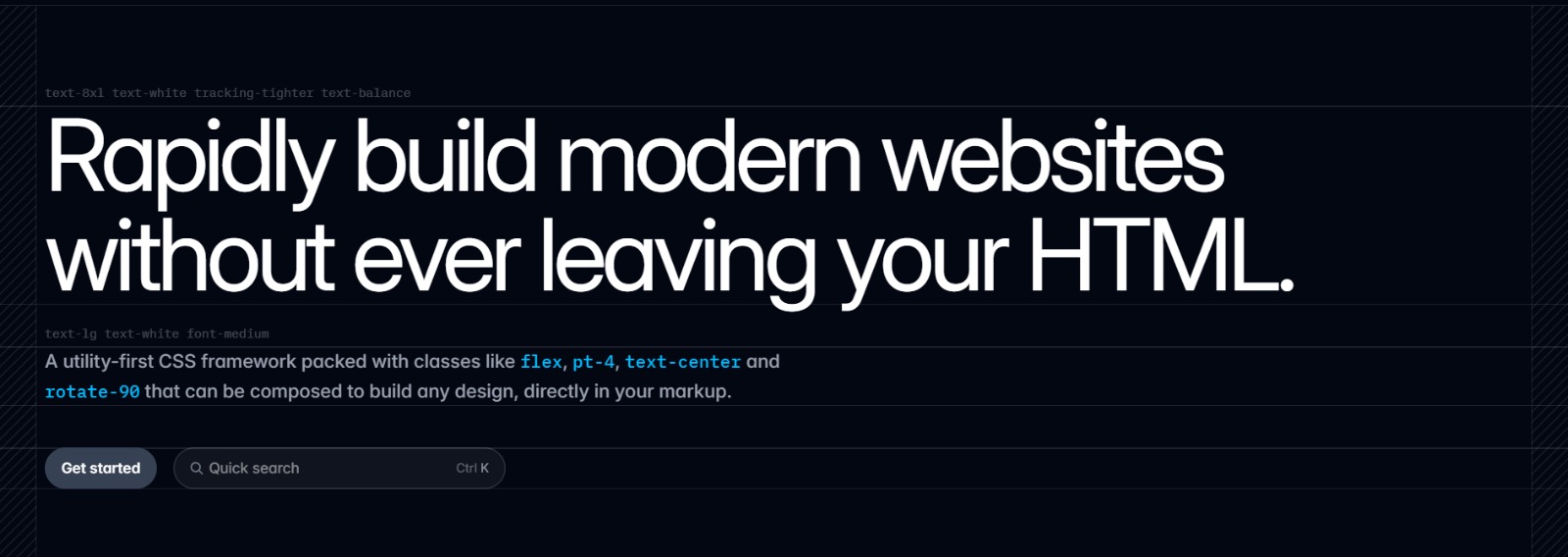 Tailwind CSS is a utility-first framework. It flips the traditional CSS model on its head. Instead of writing a semantic class like
 .profile-card and then defining 20 lines of CSS in a separate file, you apply small, single-purpose classes directly to your HTML.
You build interfaces using a language of composable classes—px-4, text-sm, bg-slate-50, flex, items-center—combined directly in your markup.
The Shift in Mental Model
At first glance, Tailwind looks chaotic. A single button might have 10 class names. But once you overcome the initial visual noise, the payoff is immense:
Total Control: You can implement a bespoke design system without ever leaving your HTML file. You aren't fighting the framework; you are composing with it.
Consistency: Everything is configured via a single
tailwind.config.jsfile. This acts as the source of truth for your colors, spacing, and breakpoints. You aren't guessing if a margin should be10pxor12px; you just usem-3orm-4.No Context Switching: You don't have to jump between a CSS file and an HTML file. You style as you code the structure.
Performance by Design
Tailwind shines in modern component-driven stacks (React, Vue, Svelte, Next.js). While the HTML is verbose, the CSS output is incredibly small. Tailwind uses a "Just-In-Time" (JIT) engine that watches your HTML files and generates only the CSS you actually used. If you never used bg-red-500, it simply doesn't exist in your production CSS.
How They Compare: The 2025 Breakdown
The debate isn't just about syntax; it's about architecture.
If your primary goal is to prototype an admin dashboard or an internal tool quickly, Bootstrap is usually the winner. It requires fewer decisions, less initial setup, and provides interactive components (like dropdowns and carousels) that "just work" out of the box.
If you want a highly-customized public-facing product, a design system that adapts as you scale, or you care deeply about web vitals and bundle size, Tailwind is the stronger investment.
The Performance Misconception
Performance is often misunderstood in this debate.
Bootstrap: Ships with a large global stylesheet (often 150kb+ minified). Even if you only use 10% of the framework, the browser usually downloads the whole thing unless you invest time in advanced purging setups.
Tailwind: Designed to be atomic. A large production app might have a CSS file as small as 10kb. Because utility classes are reused repeatedly (e.g.,
flexis used 1000 times but defined only once), the CSS file stops growing even as the project gets huge.
Comparison Table
Here is a high-level view of how they stack up in 2025.
[table]
When NOT to Use Each Framework
Most articles tell you when to use a tool. It is often more valuable to know when not to use it. This adds clarity to your decision-making process.
When NOT to use Bootstrap
When you want a fully unique brand identity: If your designer hands you a Figma file that looks nothing like Bootstrap’s defaults, you will spend more time overriding Bootstrap styles than you saved by using them.
When your design system must scale: As apps grow, specific overrides in Bootstrap tend to pile up ("bloat"). Maintaining a 2,000-line
custom.cssfile that patches Bootstrap is a common source of technical debt.When performance is critical: If you are chasing a 100/100 Lighthouse score for a consumer app, loading the full Bootstrap library is an unnecessary weight compared to atomic CSS.
When NOT to use Tailwind
When your team dislikes utility-heavy markup: Some developers fundamentally hate seeing 20 classes in their HTML. If your team prefers a clean separation of concerns (CSS in one file, HTML in another), Tailwind will feel like a regression.
When the project is very small or short-term: Setting up the Tailwind build process (PostCSS, config files) takes a few minutes. For a simple, single HTML page or a throwaway prototype, a CDN link to Bootstrap is instant.
When designers and developers don’t collaborate: Tailwind requires developers to know layout and spacing rules. If developers lack design intuition and there is no strict design system, they might create inconsistent UIs (using
p-3here andp-4there randomly).
Developer Experience and Team Workflow
Bootstrap’s developer experience is straightforward.
It democratizes design. A backend developer with zero design skills can throw together a class="card" and class="btn btn-success" and create a UI that looks trustworthy. For teams with mixed front-end skill levels, Bootstrap lowers the barrier to entry. It bridges the gap between functionality and aesthetics without requiring a degree in design theory.
Tailwind’s DX rewards upfront investment.
Teams that adopt Tailwind usually set up a few core components and utility patterns first. Once that foundation is laid, development velocity skyrockets. Tailwind integrates naturally with component-driven workflows.
The Component Wrapper: You rarely write
class="px-4 py-2 bg-blue-500..."every time you need a button. Instead, you write it once in a<Button />component (in React/Vue) and reuse that component.Collaboration: It improves collaboration between designers and developers when both agree on the "tokens" in the Tailwind config. If the design team uses specific colors and spacing in Figma, those can be mapped 1:1 in the
tailwind.config.js, ensuring pixel-perfect implementation.
Community, Ecosystem, and Longevity
Both frameworks have massive support, but they behave differently.
Bootstrap’s ecosystem centers on themes and templates.
There is a massive marketplace of third-party admin templates, quick-start themes, and legacy integrations. If you want to buy a $20 template, drop in your data, and launch, Bootstrap is unbeaten. It’s perfect for freelancers who need to deliver functional sites rapidly.
Tailwind’s ecosystem has exploded around plugins and UI kits.
Tailwind has captured the modern frontend market. You’ll find:
Headless UI / Radix UI: Unstyled functional components that pair perfectly with Tailwind.
Tailwind UI: A premium library of copy-paste snippets created by the Tailwind team.
AI Integration: Tools like ChatGPT and GitHub Copilot are incredibly good at writing Tailwind code because the class names are predictable and standard.
For long-term product work and design-system-minded teams, Tailwind’s ecosystem provides better primitives for consistency and reuse.
Real-World Use Cases
Let’s look at two practical scenarios to see where each framework fits best.
Scenario A: The Internal Admin Dashboard
Recommendation: Bootstrap
The Context: You are building a backend inventory management system for a logistics company. It will only be used by 50 employees on desktop computers.
The Reason: Design uniqueness doesn't matter; functionality does. You need data tables, modals, inputs, and search bars now. Bootstrap provides these components fully styled and interactive. You can focus entirely on the backend logic.
Scenario B: The Modern SaaS Marketing Site
Recommendation: Tailwind CSS
The Context: You are launching a new AI startup. The website needs to look futuristic, load instantly on mobile, and have unique hover effects and gradients to stand out from competitors.
The Reason: You need custom animations, precise spacing, and a unique color palette. Bootstrap’s generic look would hurt your brand. Tailwind allows you to build that custom "glassmorphism" look efficiently while ensuring the CSS bundle remains tiny for SEO purposes.
Real Examples
To visualize the difference, let’s look at a simple button component.
A Bootstrap Button:
<button class="btn btn-primary">Primary</button>
Pros: Short, semantic, readable.
Cons: You have to look at the CSS file to know what "btn-primary" actually looks like (what is the padding? what is the font size?).

A Tailwind-Equivalent Button:
<button class="px-4 py-2 rounded-md text-white bg-blue-600 hover:bg-blue-700 transition-colors">
  Save changes
</button>
Pros: Explicit. You know exactly what this button looks like just by reading the HTML. You can change the padding or color instantly without opening a CSS file.
Cons: Verbose. It looks messy if not wrapped in a reusable component (e.g.,
<Button>).
## Hiring and Community Considerations
Because Bootstrap has been widely used for over a decade, almost every web developer has touched it. If you need to hire a junior developer or a contractor to maintain a legacy site, finding someone with Bootstrap experience is incredibly easy.
However, Tailwind skills are a hot commodity.
Tailwind is the preferred tool for modern startups and tech-forward companies. If you are recruiting for roles requiring React, Next.js, or Vue, you will find that many top-tier frontend candidates prefer Tailwind. Adopting Tailwind can actually be a hiring advantage, signaling that your tech stack is modern and developer-friendly.
Converting Between Them
A common question is: "Can I switch later?"
From Bootstrap to Tailwind:
This is a common migration path, but it is labor-intensive. It usually involves stripping out the Bootstrap CSS file and rebuilding components one by one using Tailwind utilities.
- Strategy: Don't do a big bang rewrite. Install Tailwind alongside Bootstrap (prefix Tailwind classes if needed to avoid conflicts) and build all new features in Tailwind. Gradually refactor old components as you touch them.
Integrating Tailwind into Bootstrap:
This is a very pragmatic middle ground. You can use Bootstrap for the heavy lifting (grid system, modals) and use Tailwind for the micro-styling (spacing, text colors) where Bootstrap feels too rigid.
Final Recommendation
There is no single right answer, but there is likely a right answer for your specific project.
For fast prototypes, internal tools, and teams that want immediate consistency without design effort: Bootstrap remains a powerful, reliable ally. It saves you from reinventing the wheel.
For long-term product work, brand-driven design, and modern component workflows: Tailwind is the future-proof choice. It scales better, performs better, and offers a superior developer experience once you master the syntax.
Final Decision Cheat Sheet
To summarize everything into a quick decision matrix:
Choose Bootstrap if:
You want speed over flexibility.
You are building dashboards or internal tools.
You want minimal setup and "batteries-included" components.
Your team is comprised of backend developers who need a UI that "just works."
Choose Tailwind if:
You want full design control and pixel-perfect implementation.
You are building a scalable, public-facing product.
You care about high performance and small CSS bundle sizes.
You are using a component framework like React, Vue, or Svelte.
In 2026, the industry momentum is clearly with Tailwind CSS for new product development, but Bootstrap retains its crown as the king of rapid prototyping and administrative interfaces. Choose the tool that fits your constraints, not just the hype.