Chromebook vs Laptop: Which One Should You Buy in 2026?
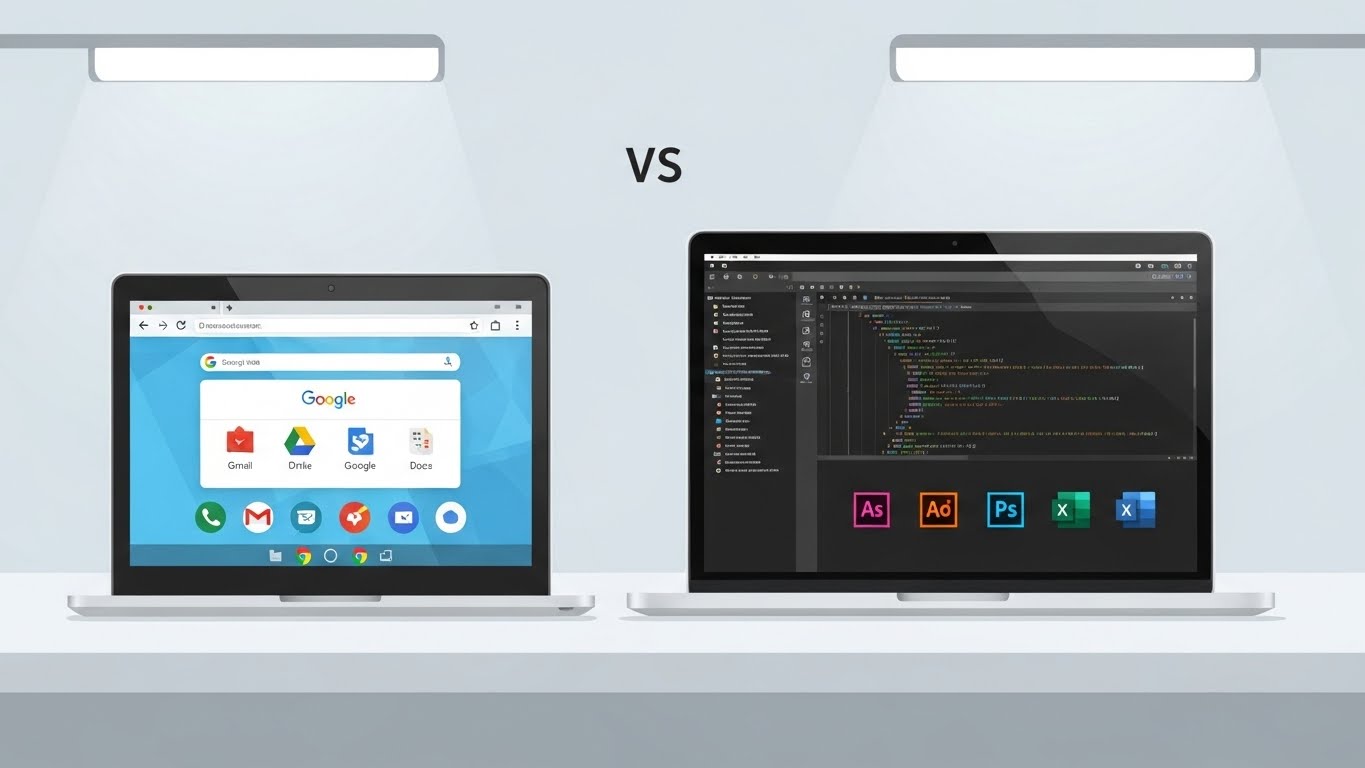
If you’re deciding between a Chromebook and a laptop, you’re not alone. This article gives a clear, no-fluff comparison, real-world buying rules, and targeted recommendations so you can pick the best device for your needs in 2026. Key claims below reference recent ChromeOS and device trends for accuracy.
What is a Chromebook?
A Chromebook is a notebook-style computer that runs ChromeOS — Google’s cloud-first operating system built around the Chrome browser and web apps. ChromeOS emphasizes speed, security, automatic updates, and integration with Google services. Many Chromebooks can also run Android apps and, on supported devices, Linux apps (via Crostini), which expands what developers and power users can do.
 Essentials
Cloud-first design (Google Drive, web apps).
Fast boot and automatic security updates.
Lightweight hardware and usually better value at the entry/mid tiers.
Growing support for Linux apps and advanced features in newer ChromeOS releases.
What is a laptop?
“Laptop” refers to the broad category of portable personal computers running Windows, macOS, or desktop Linux. Laptops can be ultra-light notebooks, high-performance workstations, or dedicated gaming machines. They run full desktop software — from Adobe Creative Cloud to Visual Studio, to AAA games — and offer much more hardware variety (CPUs, GPUs, storage). That hardware depth makes laptops the natural choice when local performance and native apps matter.
 ## Chromebook vs Laptop — quick comparison table
| Feature | Chromebook | Laptop (Windows/macOS/Linux) |
|---|---|---|
| OS | ChromeOS (cloud-first) | Windows / macOS / Linux |
| Best for | Web tasks, students, casual users | Power users, creators, gamers, enterprise apps |
| Apps | Web apps + Android + selective Linux | Full desktop apps and legacy software |
| Storage | Cloud-focused; smaller local SSDs common | Large local SSD/HDD options |
| Performance | Efficient for light tasks | Scales to very high performance |
| Price | Mostly budget → mid | Budget → premium (wide range) |
| Battery life | Often excellent on mid-range models | Varies; high-end ultrabooks can match/exceed |
| Security & maintenance | Simple, automatic updates | Varies by OS; needs user/IT care |
Real-world use cases — who should buy which?
Here’s the practical breakdown, not the marketing talk:
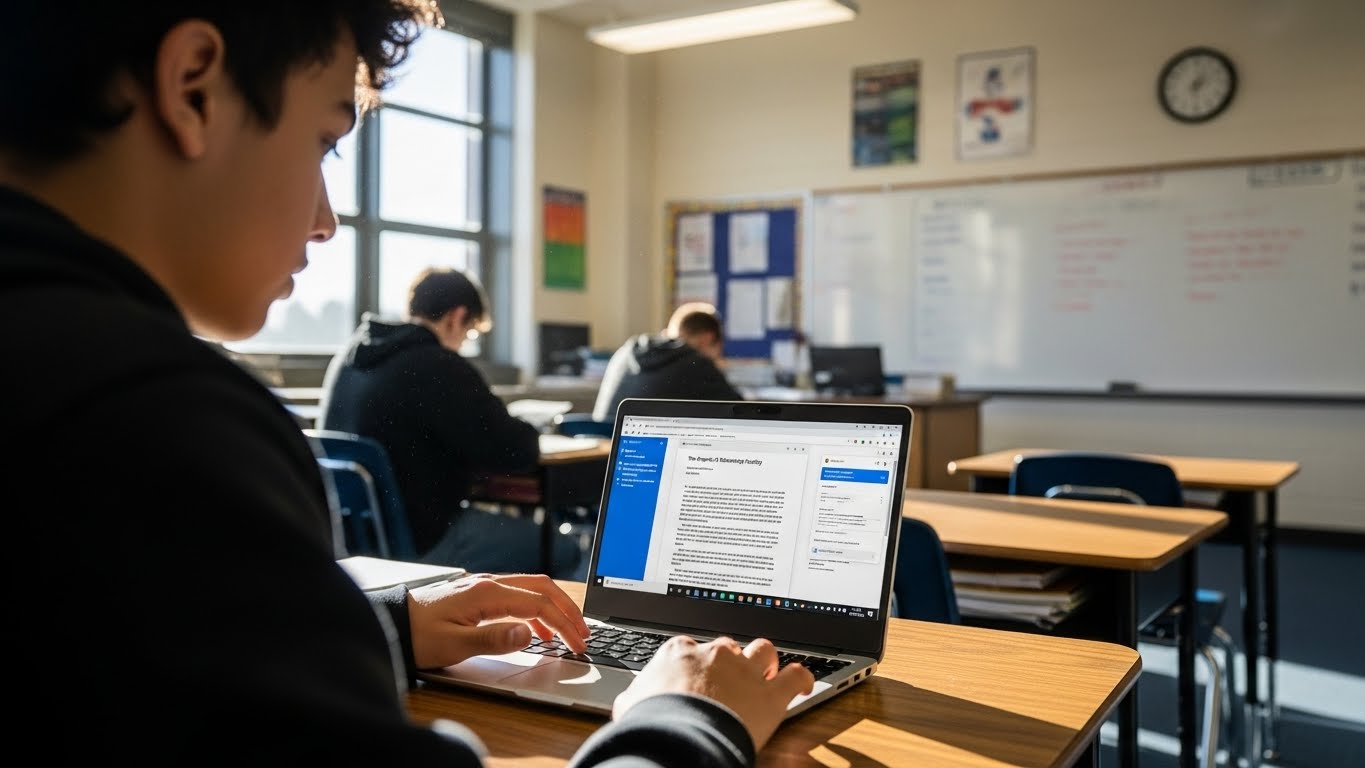
Students (K–12 and many college students): Chromebook — best for note-taking, Google Classroom, live classes, and affordability.
Office workers (email, docs, spreadsheets, video calls): Either. Choose based on necessary apps and corporate IT requirements.
Developers & programmers: Laptop, unless your workflow is lightweight and Linux-on-ChromeOS covers your needs. Linux on Chromebooks is improving, but heavy Docker/GPU workflows still favor full laptops.
Content creators (photo/video/3D): Laptop — dedicated GPUs, high RAM and native apps are needed.
Gamers: Laptop (Windows gaming ecosystem dominates).
Budget-focused buyers who want battery & simplicity: Chromebook.
Chromebook vs Laptop for students (deep dive)
Education is ChromeOS’s strongest sector — schools favor Chromebooks for price, manageability, and low maintenance. In many regions, a large share of school devices are Chromebooks because district procurement prioritizes total cost of ownership and simple device management. If your classwork is browser- or cloud-based (Google Docs, Canvas, Zoom, simple coding editors), a Chromebook is typically the best value.
When students should pick a laptop instead
Your course mandates desktop-only software (e.g., some engineering suites, full Adobe Creative Cloud / Premiere workflows, AutoCAD).
You need a specific OS (macOS for Xcode iOS development).
You plan serious video editing or 3D rendering.
Student buying checklist
Confirm required software with your school/course syllabus.
If software is web-based → Chromebook.
If software is desktop-only or GPU-heavy → Laptop.
Pros & cons
Chromebook — Pros
Value & battery: Many Chromebooks offer very good battery life and strong value for light tasks. Recent premium Chromebooks even push multi-hour real-world performance.
Simplicity & security: ChromeOS auto-updates and sandboxing reduce maintenance and security headaches.
Fast everyday performance: Web-first OS makes booting and app switching feel snappy on modest hardware.
Chromebook — Cons
Limited for heavy desktop apps: Native Photoshop, Premiere, or full Visual Studio experiences are still best on laptops.
Android app quality varies: Android apps are supported, but not all apps offer ideal tablet/desktop UX on ChromeOS.
Hardware ceiling: While high-end Chromebooks exist, the platform still has fewer discrete-GPU options than Windows laptops.
Laptop — Pros
Full software compatibility: The major reason to pick a laptop is access to native, legacy, and professional-grade applications.
Hardware flexibility: Choose discrete GPUs, large local storage, and workstation-class CPUs.
Power & expandability: Better for gaming, content creation, and compute-heavy tasks.
Laptop — Cons
Potentially higher cost: True all-day battery + premium performance can be expensive.
More maintenance: Windows laptops especially can need driver updates, antivirus, and occasional cleanup.
Can Chromebooks replace laptops? Linux, ChromeOS Flex, FydeOS and advanced use
Short answer: For many people, yes — but not for everyone.
Chromebooks have been steadily expanding capability: Linux apps (Crostini) allow many developers to run IDEs and CLI tools; Android apps cover some gaps; and Google is adding features that bring more desktop-like functionality to ChromeOS. Recent ChromeOS updates introduced better device syncing and AI features in Chromebook Plus models — pushing the platform toward advanced users in some cases.
If you want to repurpose older hardware or run a ChromeOS-like experience on odd devices, projects like ChromeOS Flex and FydeOS are worth exploring; each has trade-offs on device compatibility, updates, and ecosystem integration. For a deeper comparison of those options, see our Techolyze guide: ChromeOS Flex vs FydeOS vs Linux.
If your priority is the best ChromeOS experience on a Chromebook, check our piece: Best OS for Chromebook 2025.
When Chromebooks cannot replace laptops
- GPU-accelerated ML workloads, large-scale Docker + VM pipelines, AAA gaming, or professional video editing still favor full laptops.
Price, battery, and practical buying tips
Price buckets (practical)
Under $350: Basic Chromebooks and low-end Windows notebooks. Ideal for browsing and documents.
$350–$700: Best-value Chromebooks and capable Windows ultraportables. Good for most students and office users.
$700+: Premium laptops for creators, powerful ultrabooks, and gaming rigs.
Battery & real-world use
Chromebooks often deliver excellent real-world battery life for the price because ChromeOS is lightweight and hardware is tuned for efficiency. That said, some modern Windows ultrabooks and premium laptops now match or exceed Chromebook battery life — at a higher price. Always check independent battery tests (LaptopMag / TechRadar) rather than manufacturer claims.
Storage and cloud habits
If you’ll mostly use web apps and cloud storage, a Chromebook with 64–128GB is OK. If you store lots of local media or large projects, prefer laptops with 512GB+ SSDs.
Final verdict
Buy a Chromebook if: your work is browser-based, you’re a student, you want long battery life, or you’re on a tight budget.
Buy a laptop if: you need native desktop software, heavy compute, gaming, or advanced professional apps.
Short buying checklist
Does your course or job require specific desktop-only software? → Laptop.
Is your workflow mostly Google Docs, Zoom, and web apps? → Chromebook.
Do you need serious gaming or GPU compute? → Laptop.
Budget + battery are top priorities? → Chromebook.