10 Modern JavaScript Performance Tips (ES6+) For Beginner
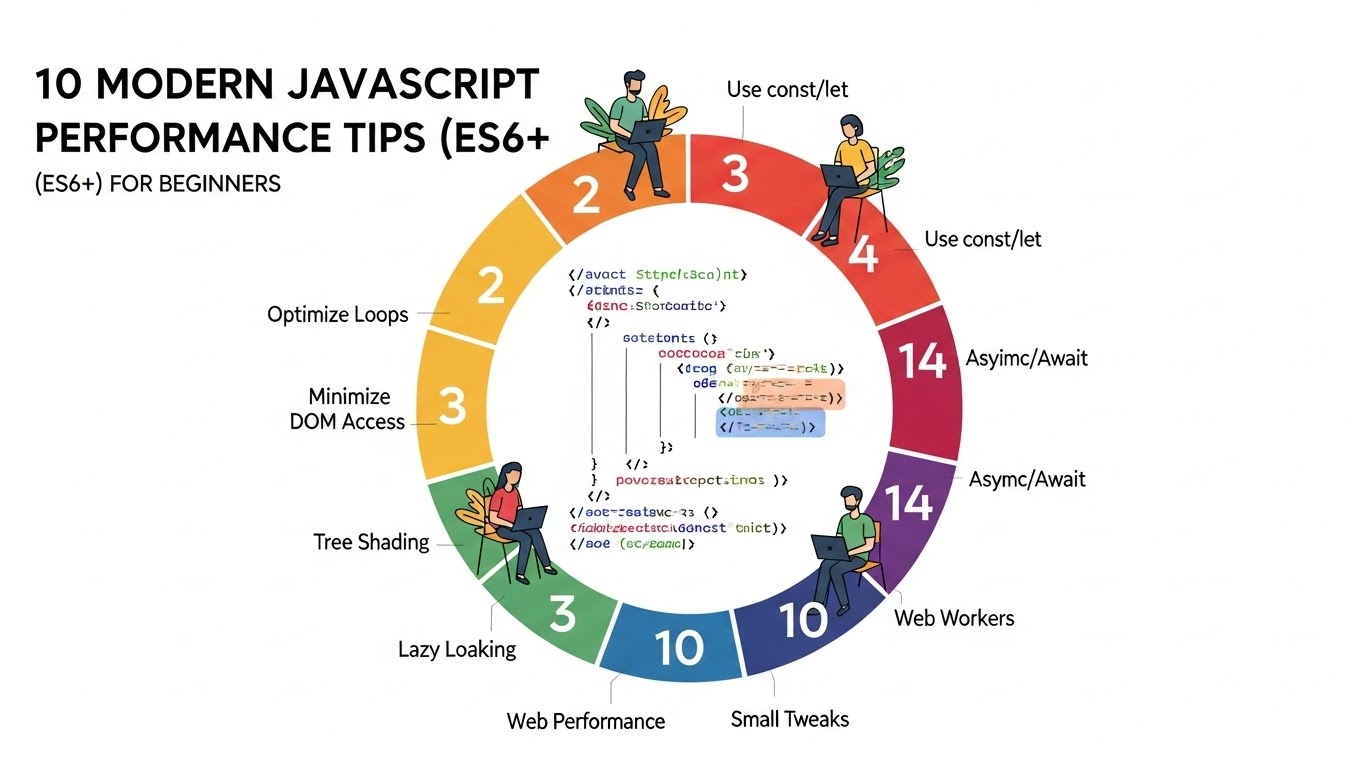
JavaScript has evolved far beyond simple scripts. Today, ES6+ powers complex web applications, interactive dashboards, and even full-scale products. But beginners often run into one hard truth: slow JavaScript kills user experience and SEO rankings.
Modern browsers are fast, but they can only do so much. Every extra byte of JavaScript must be downloaded, parsed, compiled, and executed. If your code is inefficient, it can delay rendering, freeze the interface, and frustrate users. That’s why learning performance-conscious coding is essential right from the start.
This guide provides 10 actionable tips for modern JavaScript performance. Each tip includes ES6 examples, explained in a beginner-friendly way, so you can write fast, clean, and scalable code.
1. Use const and let Instead of var
Variables declared with var are function-scoped and can lead to accidental redeclarations or leaks. ES6 introduced let and const, which are block-scoped and safer for performance.
const API_URL = "/api/posts";
let counter = 0;
By using const for values that won’t change, you allow JavaScript engines to optimize memory. Reserve let only for variables you plan to reassign. Clean scoping reduces errors and speeds up execution because the engine doesn’t have to track extra variable scopes.
2. Minimize Recalculations in Loops
A common beginner mistake is repeatedly accessing the same property inside a loop. For instance:
for (let i = 0; i < items.length; i++) {
  console.log(items.length);
}
Here, items.length is accessed on every iteration. Instead, cache the value outside the loop:
const length = items.length;
for (let i = 0; i < length; i++) {
  console.log(length);
}
This small change reduces repeated computation and helps loops run faster, especially with large arrays.
3. Reduce Direct DOM Access
Interacting with the DOM is expensive because it can trigger reflows and repaints. Beginners often query and update the DOM repeatedly:
document.getElementById("title").innerText = "Hello";
document.getElementById("title").style.color = "red";
Instead, cache the element:
const title = document.getElementById("title");
title.innerText = "Hello";
title.style.color = "red";
Minimizing DOM access prevents unnecessary layout calculations, making the page more responsive.
4. Prefer for…of Over forEach in Heavy Loops
ES6’s for…of loop is not only cleaner but often more efficient for CPU-heavy iterations:
for (const user of users) {
  if (user.active) process(user);
}
Unlike .forEach(), for…of supports break and continue, which lets you stop or skip iterations early. Use array methods like .map() for readability, but switch to for…of when performance matters.
5. Embrace Async/Await
Blocking the main thread is a common source of lag. Modern JavaScript provides async/await to handle asynchronous operations cleanly:
async function loadPosts() {
  const response = await fetch("/api/posts");
  const data = await response.json();
  renderPosts(data);
}
Using async/await keeps your UI responsive while waiting for network requests, file operations, or other slow tasks. It also makes your code easier to read than chaining .then().
6. Lazy-Load Scripts with Dynamic Imports
Not all code needs to be loaded immediately. ES6’s dynamic import() lets you fetch code on demand:
button.addEventListener("click", async () => {
  const module = await import("./analytics.js");
  module.track();
});
Lazy-loading reduces the initial bundle size, improves load times, and enhances Core Web Vitals. Only fetch what is necessary for the current page or interaction.
7. Remove Unused Code with Tree Shaking
Unused functions or library code slow down your app. ES6 modules support tree shaking, which removes code that isn’t imported anywhere:
import { debounce } from "lodash-es"; // Only imports debounce
Avoid importing the entire library. Tree shaking produces smaller bundles, less parsing time, and better overall performance.
8. Offload Heavy Computation to Web Workers
JavaScript runs on the main thread by default, so heavy calculations can freeze the UI. Web Workers allow computation in separate threads:
const worker = new Worker("worker.js");
worker.postMessage(data);
Use workers for tasks like large data processing or image manipulation. Your interface remains responsive while the worker handles the heavy lifting.
9. Minify and Compress JavaScript
Production JavaScript should always be minified and compressed. Minification removes whitespace and shortens variable names. Serving files with gzip or Brotli reduces transfer sizes:
Faster download times
Lower parsing cost
Improved page speed scores
Bundlers like Webpack, Rollup, or esbuild automate this process.
10. Measure Performance and Iterate
Guessing is not optimization. Use tools like Chrome DevTools Performance, Lighthouse, or web.dev audits to track:
Long tasks (>50ms)
Unused scripts
Render-blocking operations
Identify bottlenecks, then apply the tips above. Performance improvements compound over time and are most effective when guided by measurement.
Small Tweaks That Make a Big Difference
Even tiny changes can yield noticeable speed gains:
Cache DOM elements instead of querying repeatedly
Avoid creating anonymous functions in loops
Debounce high-frequency events like
scrollandresizeRemove unused libraries and polyfills
Clean up event listeners to prevent memory leaks
These tweaks are easy but often overlooked, and they improve perceived and real performance.
Final Thoughts
Modern JavaScript performance is a habit, not a trick. Writing clean ES6+ code, respecting the main thread, and loading only what’s needed will make your apps feel faster and more professional.
As a beginner in 2026, mastering these practices will give you a strong foundation for scalable, high-performing applications, better SEO, and happier users.
References:
MDN Web Docs: https://developer.mozilla.org/en-US/docs/Web/JavaScript
Google Developers: https://developers.google.com/web/fundamentals/performance